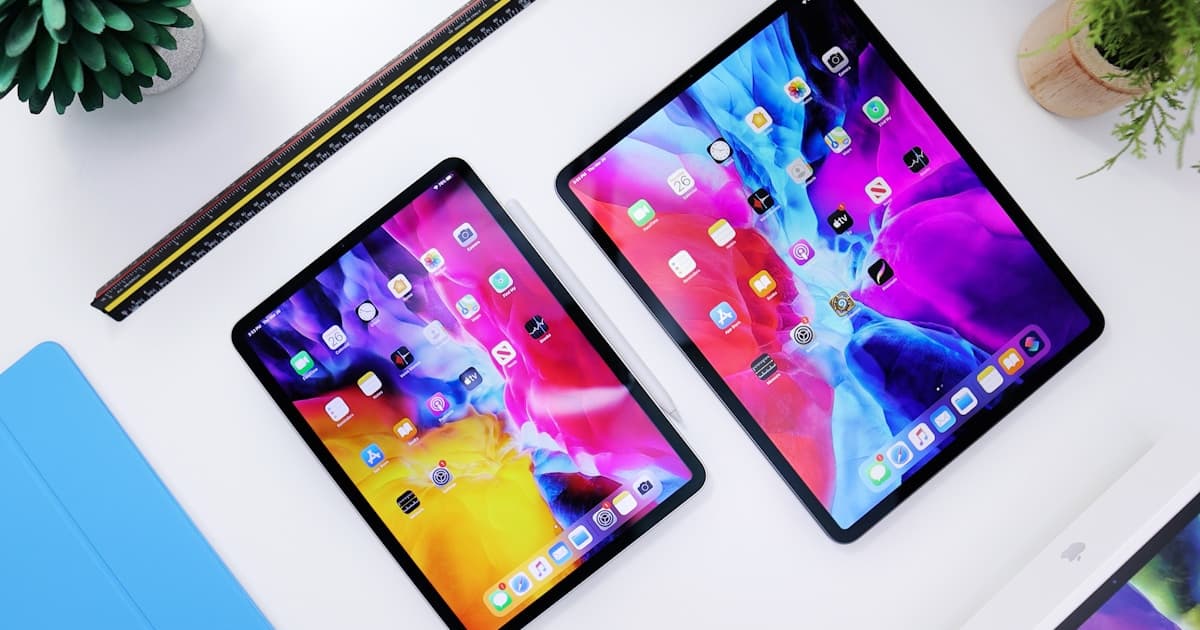
While the iPhone grabbed all the headlines at WWDC, the iPad received quiet updates that change how you work with it.
Every year the same thing happens at Apple's WWDC. The iPhone takes up most of the stage, the Mac has its moment of glory, and the iPad receives updates that Apple mentions in ten seconds before moving on. iPadOS 27 is no exception. But if you take the time to install the beta and explore, there are changes that deserve more attention than they received.
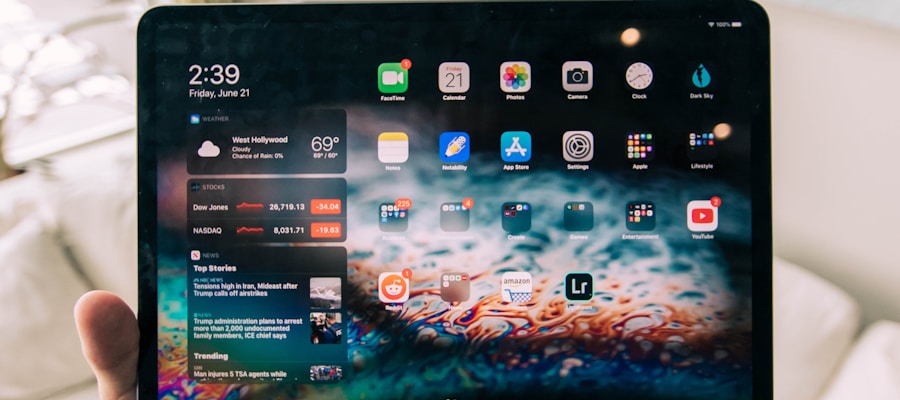
Safari and password management, finally integrated
The new Safari in iPadOS 27 debuts a complete integration with the Passwords app that Apple launched last year. Until now, syncing between devices had friction: on the iPad you might find that a password saved on the iPhone took a while to appear or simply was not there. The new architecture unifies the credential store and adds contextual suggestions in web forms that work with a precision it previously lacked.
It does not seem like a revolutionary change, but for someone who uses the iPad as their primary work tool, reducing friction in web app logins has a real day-to-day impact.
Redesigned multitasking (again, but this time done right)
Apple has been trying for years to make iPad multitasking not look like a design accident. In iPadOS 27 they have simplified the Stage Manager system, which in previous versions was powerful but not very intuitive. The new sidebar of recent apps is faster to use and the behaviour of floating windows is more predictable.
The most relevant change is that you can now save window arrangements as "workspaces" and retrieve them with a gesture. If you regularly work with a combination of apps (for example, notes + browser + mail), you no longer have to set up the layout every time you open the iPad.
Apple Intelligence on iPad: more integrated than on iPhone
Paradoxically, some Apple Intelligence features work better on iPad than iPhone simply because of the screen size. Contextual rewriting of long texts in Notes, summarisation of email threads in Mail and image generation in the Photos app all make better use of the available space.

The forgotten one: Calculator app improvements
Apple brought Calculator to the iPad a year ago with iPadOS 18, very late compared to iPhone. In iPadOS 27 they have added advanced mathematical functions and the ability to show the history of operations in a side column, taking advantage of the extra space of the large screen. It is not the headline of the event, but it is one of those things you use every day that now simply works well.
Is it worth updating?
If you primarily use the iPad for content consumption, the jump is not urgent. If you use it as a work tool, the improvements in multitasking and Safari justify the update. The public beta is already available for the latest iPad Pro, iPad Air and iPad mini.
Apple has a narrative problem with the iPad: it is a device that has improved enormously in recent years, but whose communication never manages to convey that progress with the clarity it deserves. iPadOS 27 is another example of that disconnect between what the product does and what Apple manages to get people to know it does.
Have a project in mind?
Tell us what you want to achieve.